
“Add me to Search” on Google
You can add yourself to Google Search in under 10 minutes by creating a Google People Card using your Google account. Simply search “Add me to Search” on Google, fill in your profile details like name, profession, location, and social links, and submit it. No website or technical skills are required.
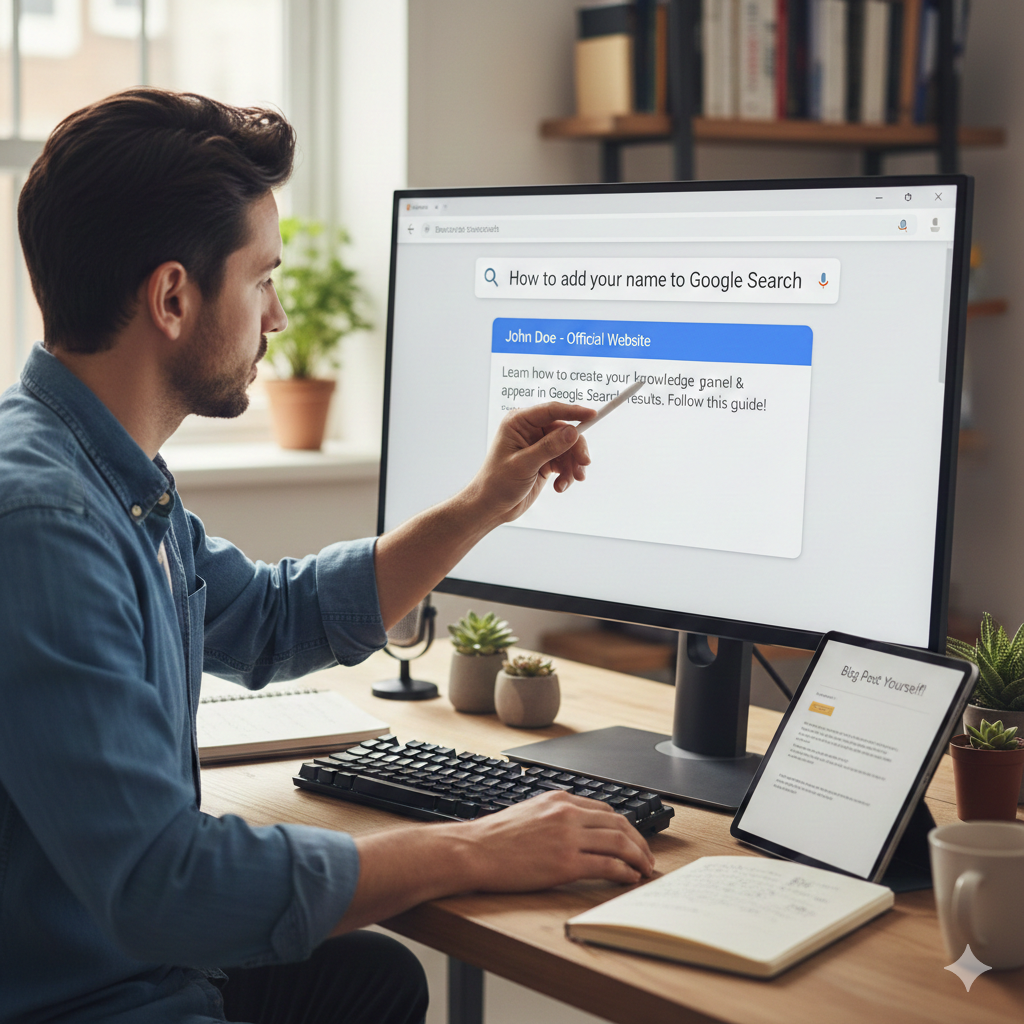
What Does “Add Yourself to Google Search” Mean?
Adding yourself to Google Search means creating a public profile card that appears when someone searches your name. This feature is officially provided by Google and is known as a People Card.
It helps you:
- Build personal branding
- Increase online visibility
- Appear professionally on Google
- Get discovered by recruiters, clients, and collaborators
Think of it as your digital identity card on Google.
Who Should Use the “Add Me to Search” Feature?
This feature is perfect for:
| Category | Why It Helps |
|---|---|
| Freelancers | Get clients directly from Google |
| Business Owners | Build authority and credibility |
| Content Creators | Grow personal brand visibility |
| Students | Create early online presence |
| Professionals | Improve personal SEO footprint |
| Coaches & Consultants | Get discovered organically |
If people search your name online, this is a must-have.
What You Need Before Starting (2-Minute Setup)
Before you start, make sure you have:
- A Google account (Gmail)
- Profile photo ready
- Social media links (LinkedIn, Instagram, Twitter, YouTube)
- Basic personal details
That’s it. No website needed.
Step-by-Step: Add Yourself to Google Search in 10 Minutes
Follow these exact steps:
Step 1: Open Google on a mobile browser
Google People Card works best on mobile browsers.
Open Chrome and log in with your Google account.
Step 2: Search “Add Me To Search.”
Type this exact phrase:
Add me to the search.
You will see a card saying:
“Add yourself to Google Search.”
Click on Get Started.
Step 3: Fill Your Profile Details
You will now see a form. Fill it carefully.
Here’s what each field means:
| Field | What To Add |
|---|---|
| Name | Your real full name |
| Location | City + country |
| About | Short professional bio |
| Occupation | Your current role |
| Workplace | Business name or self-employed |
| Education | Optional |
| Website | Optional |
| Social Links | Important for trust |
Step 4: Upload Profile Photo
Choose a clear, professional-looking photo.
Tips:
- The face should be clearly visible
- Use a neutral background
- Avoid filters
- Good lighting
Your photo increases approval chances.
Step 5: Preview and Submit
Once done:
- Click Preview
- Check spelling
- Submit
Google will review and publish your profile.
Approval usually takes a few minutes to a few hours.
How Long Does It Take To Appear on Google?
Most profiles appear within:
- 5 minutes to 24 hours
- Sometimes up to 48 hours
You can check by searching:
Your Name + Profession
Example:
Priyanka Digital Marketer
Why Your Profile Might Not Appear (Common Issues)
If your People Card is not showing, check these:
1. Incomplete Profile
Google prefers detailed profiles.
Solution: Add more info and social links.
2. Low Search Trust
New accounts take time.
Solution: Keep your Google account active.
3. Policy Violation
Avoid:
- Fake names
- Promotional spam
- Keyword stuffing
4. Not Public Visibility Enabled
Ensure the visibility option is set to public.
How To Optimize Your Google Search Profile (SEO Tips)
Want your name to rank better? Follow these tips:
Use Keywords Naturally
In your bio, include:
- Your profession
- Your services
- Your location
Example:
“I am a digital marketing consultant helping businesses grow with SEO and lead generation.”
Add Authority Links
Connect:
- Business website
- Portfolio
- Social platforms
This builds trust signals.
Keep Profile Updated
Update:
- Job changes
- New skills
- New links
Google favors active profiles.
Use Professional Headline
Instead of:
❌ Freelancer
Use:
✅ SEO Consultant Helping Businesses Rank on Google
Google People Card vs Website SEO (Quick Comparison)
| Feature | People Card | Website SEO |
|---|---|---|
| Setup Time | 10 minutes | Days to weeks |
| Cost | Free | Can be paid |
| Technical Skill | None | Required |
| Brand Authority | Medium | High |
| Ranking Control | Limited | Full |
Best strategy: Use both together.
Can Businesses Use “Add Me To Search”?
Yes—founders and solopreneurs can use it to:
- Build brand trust
- Appear in founder searches
- Improve credibility
However, business listings should still use Google Business Profile for map rankings.
Is “Add Me to Search” Safe?
Yes. It is:
- Official Google feature
- Fully controlled by you
- Editable anytime
- Can be removed easily
You decide what appears publicly.
Conclusion
Adding yourself to Google Search is fast, free, and powerful. In just 10 minutes, you can create a verified online presence, build credibility, and improve personal discoverability. If you want higher visibility, better branding, and stronger search authority, this is the first step you should not skip.
Also read—10 SEO Tools You Must Use in 2025 to Boost Your Rankings
FAQ’s
1: Is Google People Card free?
Yes. Google People Card is completely free to create and manage.
2: Can I add myself to Google Search without a website?
Yes. You do not need a website. You only need a Google account.
3: How long does it take to appear on Google?
Most profiles appear within a few minutes to 24 hours after submission.
4: Can I edit my Google Search profile later?
Yes. You can update or remove your People Card anytime.
5: Why is my People Card not showing?
Common reasons include incomplete profile details, low account activity, or policy issues.